Why audio resources matter for visually impaired patients
Imagine getting a diagnosis, learning how to take your medication, or figuring out where to go for your next appointment-all without being able to read a single word on a paper, screen, or sign. For the 7.6 million Americans with vision loss that affects daily life, this isn’t hypothetical. It’s everyday reality. Without proper audio support, patients are left guessing, confused, or worse-putting their health at risk.
Audio resources change that. They turn written medical instructions, appointment reminders, and lab results into spoken words. This isn’t just convenience. It’s a legal requirement under the Americans with Disabilities Act and the Affordable Care Act. More importantly, it’s how people with vision loss stay safe, informed, and in control of their care.
Studies show that when audio alternatives are available, medication errors drop by 2.3 times. Patients are 31% less likely to miss appointments or mismanage chronic conditions like diabetes. These aren’t small numbers. They’re life-changing.
Top audio tools used in healthcare settings
Not all audio tools are made the same. Some are free. Some cost money. Some work in hospitals. Others work anywhere. Here’s what actually works for patients and providers.
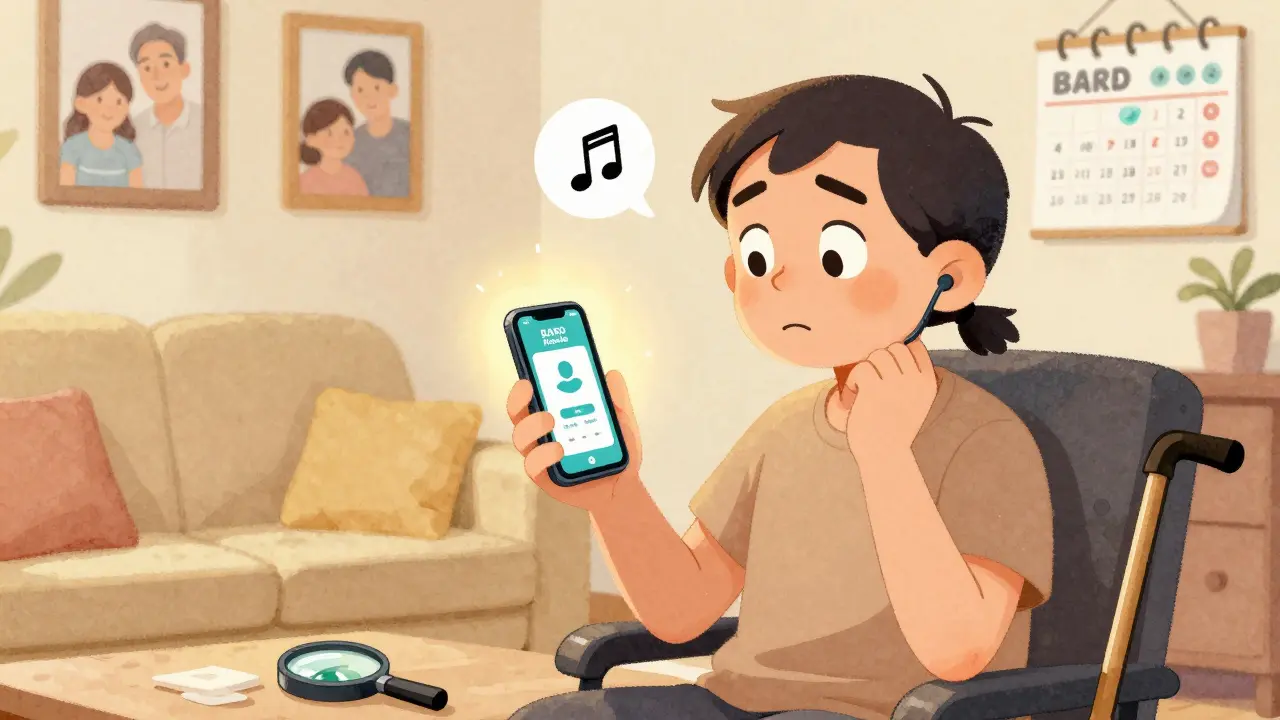
- BARD Mobile by the National Library Service for the Blind and Physically Handicapped (NLS) gives free access to over 120,000 audiobooks, including medical guides on diabetes, heart disease, and cancer. It works on iOS and Android. You need to apply through the Braille Institute to get access, but once approved, it’s completely free.
- Voice Dream Reader costs $29.99 and turns any digital text into speech-PDFs, emails, hospital forms, even websites. It supports 100+ voices and 30+ languages. It’s the go-to app for patients who get printed materials from their doctor’s office.
- KNFBReader ($99) uses your phone’s camera to scan printed text-like a prescription label or a lab report-and reads it aloud instantly. Testing shows 98.7% accuracy. It’s fast, reliable, and works even in low light.
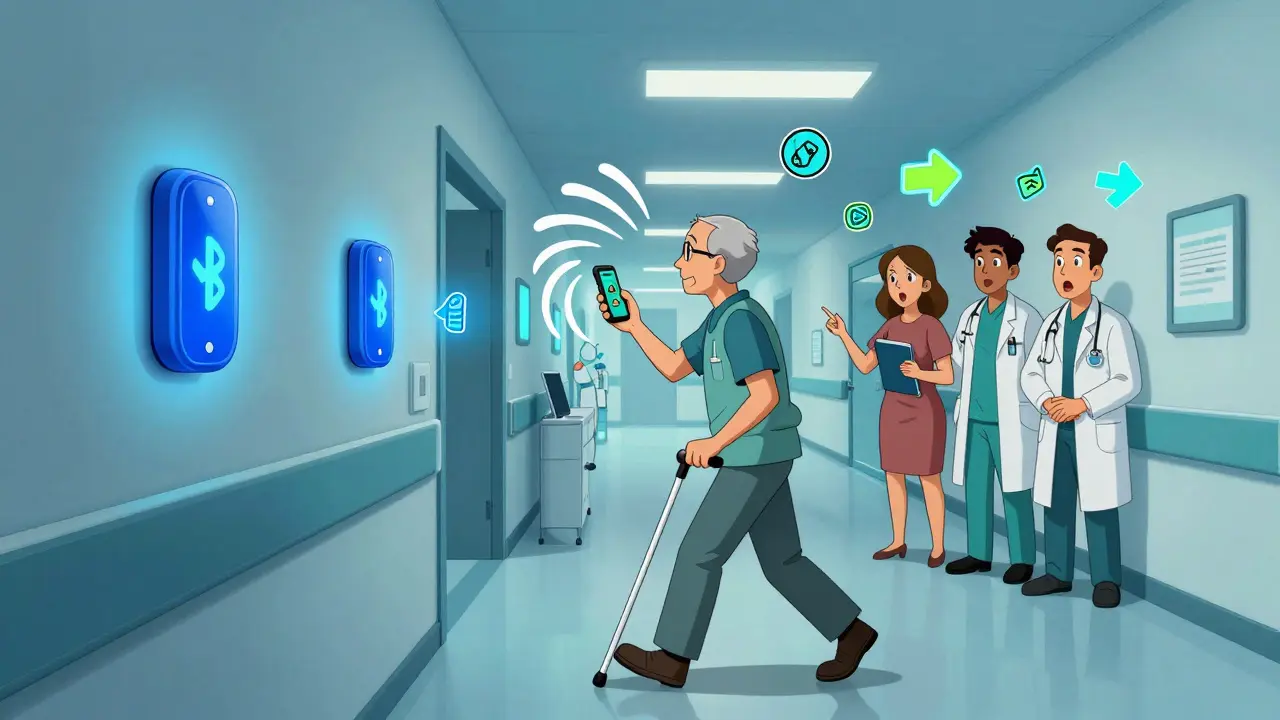
- RightHear Talking Signage is installed in hospitals and clinics. Using Bluetooth beacons, it tells you where you are and how to get to the lab, pharmacy, or elevator. One hospital saw a 47% drop in staff requests for navigation help after installing it.
- CRIS Radio and Spectrum Access are free, nonprofit services that stream health education programs 24/7. They cover topics like managing blood pressure, understanding insurance, and preparing for surgery.
Most of these tools are compatible with built-in screen readers like VoiceOver (iOS) and TalkBack (Android). That means you don’t need to learn new systems. Just turn on your phone’s accessibility settings, and you’re ready.
What hospitals should provide-and what they often don’t
By law, hospitals must offer audio alternatives if you ask. But here’s the problem: many patients don’t know they have this right. And many staff don’t know how to help.
According to a 2023 survey by the Lighthouse Guild, 58% of visually impaired patients said hospital staff were unfamiliar with audio resources. That means you might have to explain what you need. Don’t feel bad about it. You’re not being difficult-you’re advocating for your health.
Here’s what every hospital should have ready:
- Audio versions of consent forms, discharge instructions, and medication guides
- Staff trained to hand out audio files or help set up apps like BARD Mobile
- On-site audio signage (like RightHear) for navigation
- Access to a dedicated line or portal where patients can request audio versions of test results
What’s often missing? Consistency. One clinic might give you a CD with your lab results. Another might say, “We don’t have that.” Some audio files are poorly recorded-too fast, too quiet, or full of background noise. Others are in formats that don’t work with screen readers. If you get a file that won’t play, ask for another version. You have the right to clear, usable audio.
How to get started: A step-by-step plan
If you’re visually impaired and want better access to medical information, here’s how to take action.
- Apply for BARD Mobile. Go to the Braille Institute website or call them. You’ll need a doctor’s note confirming your vision loss. Approval takes 2-3 weeks. Once approved, download the app and start browsing medical titles.
- Install Voice Dream Reader or KNFBReader. Download one of these apps on your phone. Use it to scan any printed material your doctor gives you. Practice with a simple form first.
- Ask your provider for audio versions. Before your next appointment, call the office and say: “I’m visually impaired. Can you send me my discharge instructions and medication list in audio format?” If they say no, ask for the accessibility coordinator.
- Check if your hospital uses RightHear. Look for small blue dots near entrances, elevators, or exam rooms. If you see them, open your phone’s Bluetooth and walk around. The app will speak directions automatically.
- Join a support group. Reddit’s r/Blind community and the National Federation of the Blind have active threads where patients share tips on which hospitals provide good audio access.
It takes time to get used to these tools. But after a few weeks, you’ll stop relying on others to read your health info. You’ll be independent.
The future of audio-based patient education
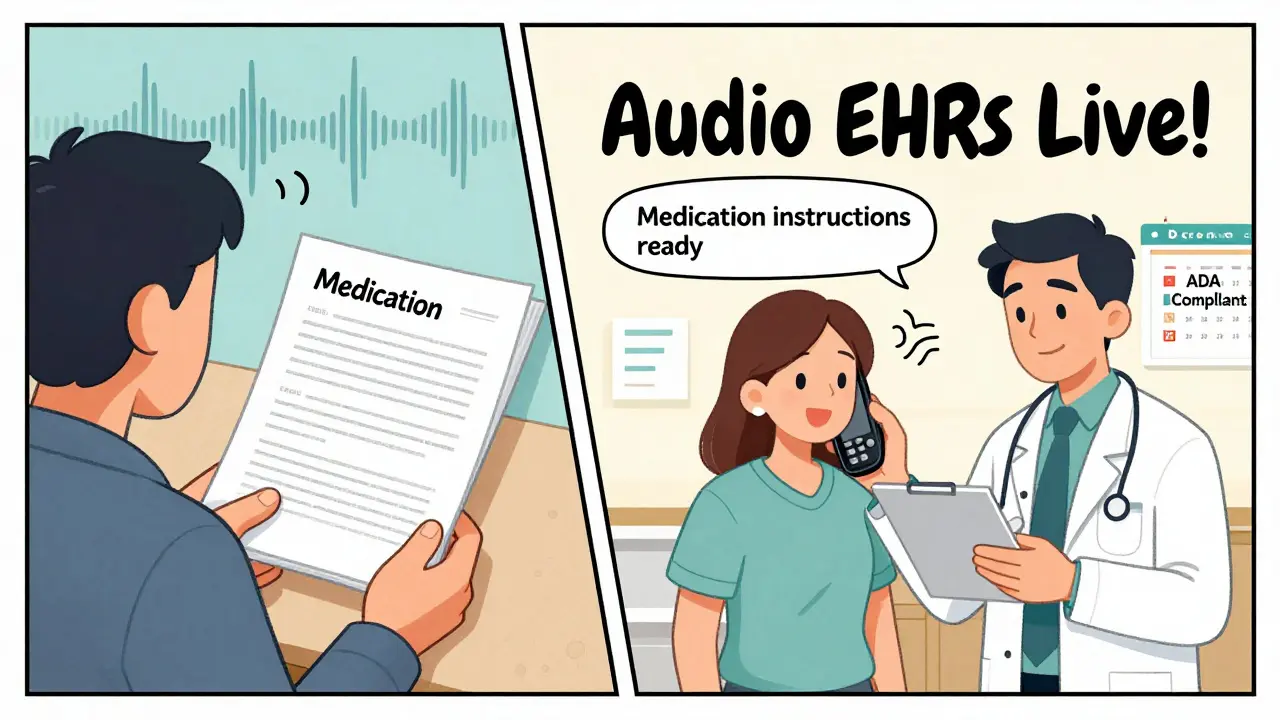
Things are getting better-fast. Starting in December 2024, all electronic health record systems in the U.S. must include audio output. That means your doctor’s notes, lab results, and care plans will be available as audio by default, not just on request.
Hospitals are also testing AI tools that summarize your medical history into short, clear audio clips. Mayo Clinic is running a pilot that turns a 10-page discharge summary into a 90-second voice message. You can listen while walking to your car.
And starting in 2025, Medicare will cover real-time audio translation for non-English speaking patients with vision loss. If you speak Spanish, Mandarin, or Arabic, you’ll be able to hear your doctor’s explanation in your language-spoken clearly, not translated poorly by a machine.
Common problems-and how to fix them
Even with good tools, issues come up. Here’s what patients report-and how to solve it.
- “The audio file won’t play on my phone.” Try saving it as an MP3. If it’s a .wav or .daisy file, ask the hospital to convert it. Most modern phones support MP3.
- “The voice is too robotic.” Use Voice Dream Reader. You can pick from 100+ natural-sounding voices. Try “Ryan” or “Samantha” for the most human tone.
- “I don’t know how to use my phone’s screen reader.” Call your local Lighthouse Guild or Braille Institute. They offer free one-on-one training over Zoom or in person.
- “The hospital says they don’t have the budget.” Tell them the law requires it. Point them to CMS OMH’s 2023 guidelines. Hospitals that skip this risk losing federal funding.
Don’t let excuses stop you. Your health matters too much.
Who pays for these tools?
Good news: most audio resources for patients are free-or covered by insurance.
- BARD Mobile, CRIS Radio, Spectrum Access - completely free
- KNFBReader and Voice Dream Reader - paid apps, but Medicare and Medicaid now cover assistive technology under Rule 42 CFR §410.152. Ask your provider for a prescription for “assistive listening device” to get reimbursed.
- RightHear and hospital-specific systems - paid by the hospital, not the patient
If you’re on Medicare, you can get up to $500 per year for assistive devices. That covers most of the apps listed here. Just ask your doctor to write a note saying you need it for health management.
Final thoughts: You deserve clear, equal access
Healthcare shouldn’t be a guessing game. You shouldn’t need to rely on someone else to tell you what your doctor said. Audio resources exist to give you back control. They’re not a luxury. They’re a necessity.
Start small. Download one app. Ask one question at your next appointment. If you get a no, ask again. And again. Change doesn’t happen overnight-but it happens when people speak up.
The tools are there. The law is on your side. And your health? That’s worth fighting for.



Tommy Watson on 16 December 2025, AT 21:17 PM
I swear half these apps don't work on my old iPhone 8. I asked my doc for audio stuff and they handed me a CD. A CD. In 2024. 😒