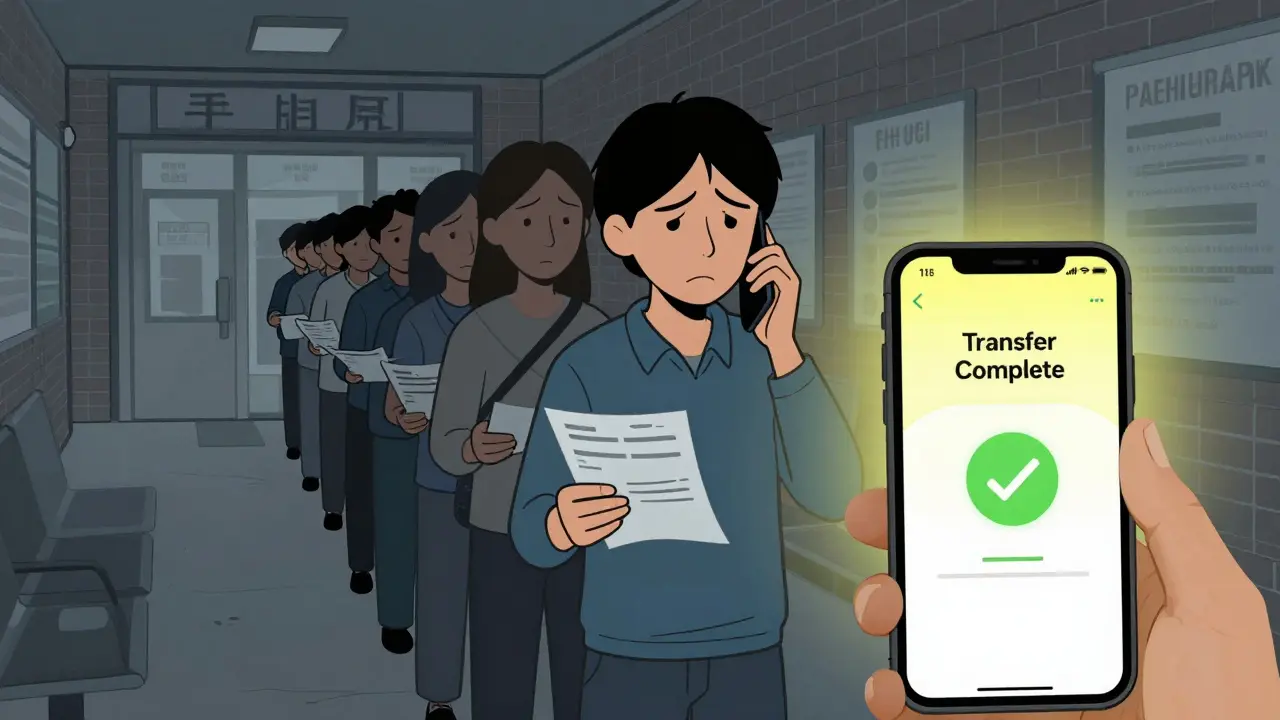
Imagine standing in a line at your local pharmacy, only to realize you need to switch providers because your insurance changed or you moved. In the past, this meant calling your doctor, begging for a new script, and starting over from scratch. Today, that headache is largely gone. You can move your medications to an online pharmacy with a few clicks on your phone. This process, known as digital prescription transfer, has revolutionized how we manage our health.
But it’s not always as simple as pressing a button. There are rules, especially when it comes to stronger medications like painkillers or ADHD meds. If you’ve ever wondered why some transfers fail or take forever, you’re not alone. Let’s break down exactly how this works, what the laws say, and how to get your meds without the stress.
What Is Digital Prescription Transfer?
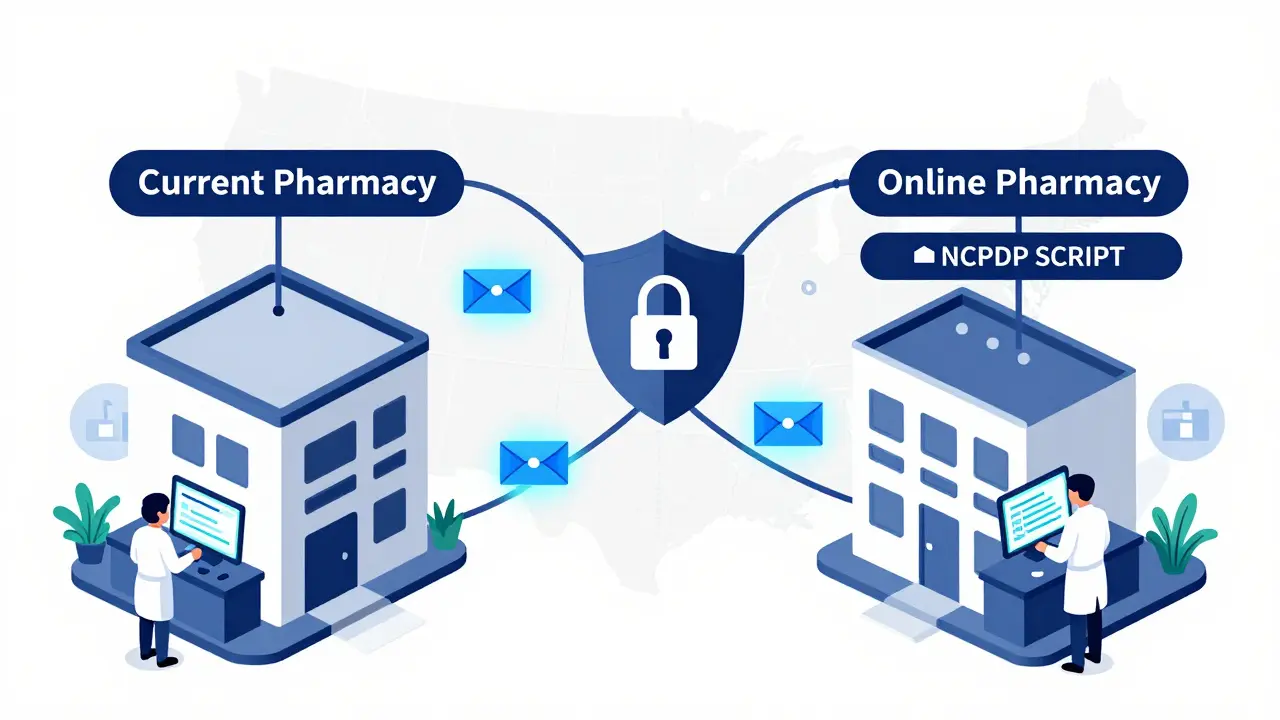
Digital prescription transfer is the electronic movement of your medication orders from one pharmacy to another. Think of it as forwarding your email, but for your health data. Instead of faxing papers or making phone calls between pharmacists, the information moves securely through networks like Surescripts.
This system relies on standardized technical specs, specifically the NCPDP SCRIPT Standard Version 201900. It ensures that your name, birthdate, medication details, and dosage instructions arrive at the new pharmacy exactly as they were written by your doctor. For most non-controlled drugs, this happens instantly. The goal is convenience. According to a GoodRx survey, 78% of users say saving time is the biggest win here. No more waiting on hold for twenty minutes just to ask if your refill is ready.
The Big Change for Controlled Substances
For years, transferring prescriptions for controlled substances (like opioids, benzodiazepines, or stimulants) was a nightmare. Federal law said you couldn’t transfer them electronically between pharmacies. You had to go back to your doctor. That changed dramatically on August 28, 2023.
The Drug Enforcement Administration (DEA) updated its rules (21 CFR 1306.25). Now, DEA-registered pharmacies can transfer electronic prescriptions for Schedule II-V controlled substances. Here is the catch: it can only happen once. If you transfer your Adderall or Oxycodone prescription from Pharmacy A to Pharmacy B, you cannot then transfer it again to Pharmacy C. You’d have to see your prescriber again.
This single-transfer rule is designed to prevent drug diversion-making sure people aren’t shopping around for extra pills. But it does create complexity. Dr. John Pazdan from Surescripts noted that this limitation causes operational headaches when patients need to switch pharmacies multiple times due to insurance changes or service issues.
How to Transfer Your Scripts Step-by-Step
You don’t need to be a tech wizard to do this. Most major online pharmacies have made the process incredibly user-friendly. Here is the general workflow:
- Gather your info: You’ll usually need your full name, date of birth, and the name of your current pharmacy. Having your prescription number helps, but isn’t always required.
- Choose your destination: Pick your online pharmacy. Popular options include Amazon Pharmacy, CVS Caremark, Walgreens, or Bluelight.
- Initiate the transfer: Use their mobile app or website. For example, Amazon Pharmacy often just needs the medication name and your old pharmacy’s location. They handle the rest electronically.
- Wait for verification: The new pharmacy contacts the old one. For non-controlled drugs, this takes about 24 to 48 hours on average. For controlled substances, expect up to 72 hours due to extra security checks.
- Confirm and pick up: Once approved, you’ll get a notification. You can schedule delivery or set up auto-refills.
CVS reports a 92% success rate on first attempts for transfers done through their portal. However, if something goes wrong, you might need to call support. Amazon Pharmacy boasts average wait times of just 4.2 minutes, which is much faster than traditional brick-and-mortar stores.
Common Pitfalls and Why Transfers Fail
Even with great technology, things slip up. Here are the most common reasons your transfer might stall:
- Mismatched IDs: Express Scripts data shows that 19% of failed transfers are due to name or date-of-birth mismatches. Did you change your last name? Make sure both pharmacies have the same spelling.
- Insurance Issues: About 23% of transfers hit a wall because of insurance eligibility. Your new pharmacy might not be in-network for your specific plan, or your specialty medication coverage might not transfer automatically.
- Partial Fills: This is a big one for controlled substances. If you already picked up half of your 30-day supply at the old pharmacy, many online pharmacies won’t accept the remaining refills. State laws vary on this, causing confusion.
- Compounded Meds: If your medication is custom-made (compounded), 68% of transfers require manual intervention. These don’t fit neatly into standard digital fields.
If your transfer fails, don’t panic. Contact the new pharmacy’s support team. They can often resolve ID mismatches quickly via a secure portal where you upload a photo of your ID.
Comparing Top Online Pharmacies
| Pharmacy | Transfer Speed (Non-Controlled) | Controlled Substance Support | Key Advantage |
|---|---|---|---|
| Amazon Pharmacy | 2-24 hours | Yes (Single Transfer) | Seamless integration with Prime accounts; fast support |
| CVS Caremark | 24-48 hours | Yes (Single Transfer) | Largest network; easy switch from physical stores |
| Walgreens | 24-48 hours | Yes (Single Transfer) | User-friendly app; strong customer service |
| Bluelight | Varies | Limited | Best for military, veterans, and first responders |
Amazon Pharmacy is growing fast, serving millions of Prime members. Its strength is simplicity. CVS wins on reach, with over 10,000 locations that can initiate transfers to their mail-order service. Walgreens offers a balanced experience with reliable app functionality. Choose based on your existing ecosystem-if you already buy groceries from Amazon, their pharmacy is likely the easiest path.
Benefits Beyond Convenience
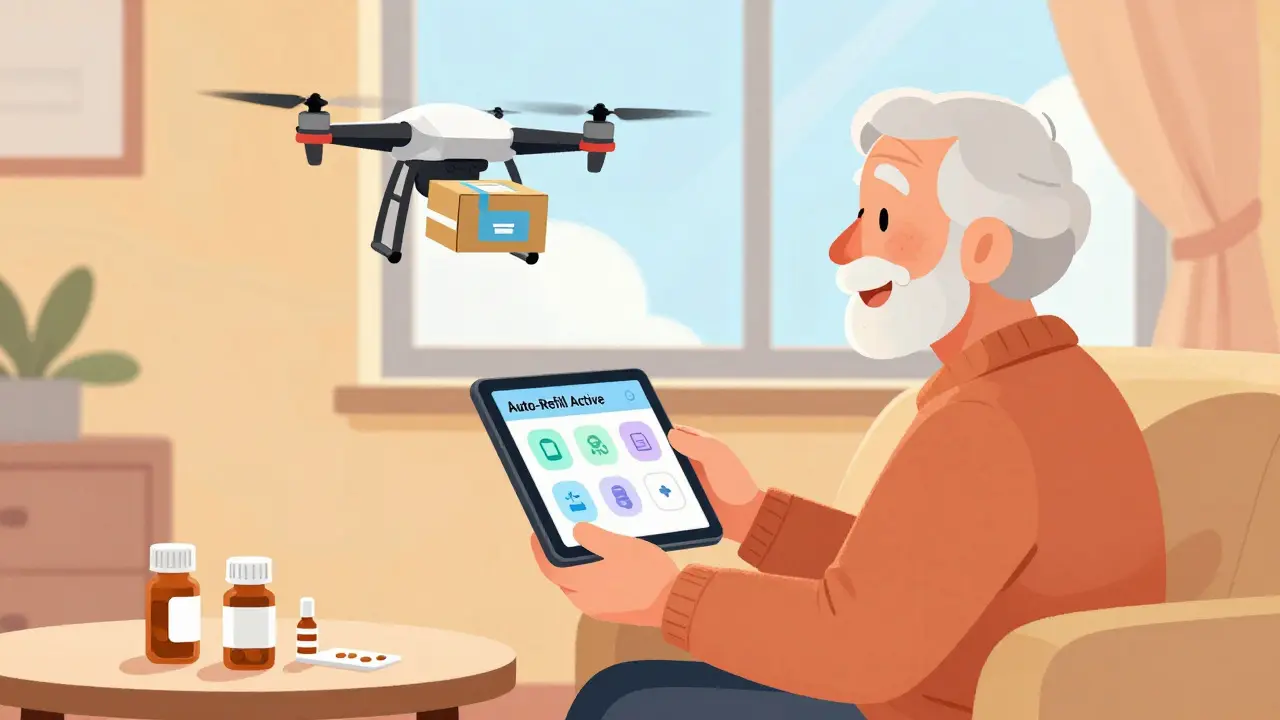
It’s not just about skipping the line. Digital transfers improve health outcomes. A Government Accountability Office study found that Medicare beneficiaries who switched to online pharmacies via digital transfers saw a 12% increase in medication adherence. Why? Because online pharmacies make it easier to set up automatic refills. You never run out of blood pressure meds because the system reminds you and ships them before you’re empty.
However, there is a downside. The same GAO report noted a 3.2% increase in duplicate therapy incidents. This happens when records aren’t perfectly synced, and you accidentally fill a prescription at two places. Always double-check your medication history after a transfer.
What’s Next for Prescription Transfers?
The technology is evolving rapidly. Surescripts is rolling out "Transfer 2.0," which will let you track your transfer status in real-time, like tracking a pizza delivery. Amazon is even testing voice-activated transfers via Alexa, allowing you to say, "Alexa, transfer my scripts," during a pilot program.
Regulators are also watching. The DEA is reviewing the single-transfer rule for controlled substances. Acting Administrator Anne Milgram has hinted that future updates might allow multiple electronic transfers if safety data supports it. Meanwhile, states like California are adding their own layers of verification, which can complicate things for national chains. Keep an eye on local laws if you live in a state with strict pharmacy regulations.
Can I transfer a controlled substance prescription online?
Yes, since August 2023, you can transfer electronic prescriptions for Schedule II-V controlled substances between DEA-registered pharmacies. However, it can only be transferred once. After that, you must see your prescriber for a new prescription.
How long does a digital prescription transfer take?
For non-controlled substances, transfers typically take 24 to 48 hours. For controlled substances, expect up to 72 hours due to additional security verifications required by federal law.
Why did my prescription transfer fail?
Common reasons include mismatched patient names or dates of birth, insurance eligibility issues, partial fills of controlled substances, or compounded medications that require manual handling. Contact the new pharmacy’s support team to resolve these issues.
Is it safe to transfer prescriptions digitally?
Yes, digital transfers are highly secure. They use HIPAA-compliant networks like Surescripts and follow strict standards (NCPDP SCRIPT). Studies show digital transfers reduce errors by 47% compared to phone or fax methods.
Do I need my doctor’s permission to transfer?
No, you do not need your doctor’s permission to transfer an existing valid prescription between pharmacies. The transfer is handled directly between the two licensed pharmacies. Your doctor only needs to be involved if the prescription has expired or requires a new write-up.